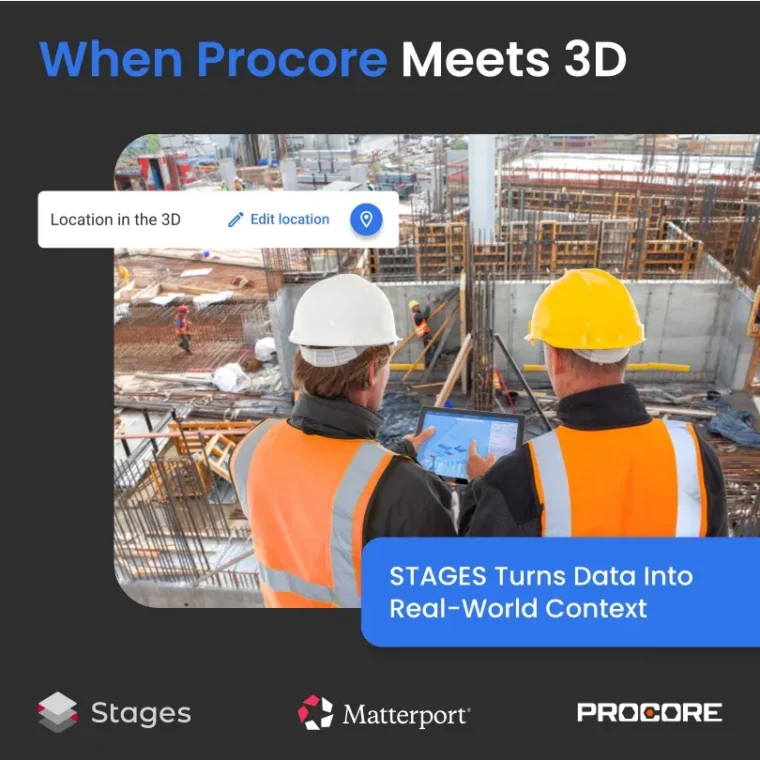


Here is a story every construction crew recognizes. A field electrician needs clarity on an electrical installation and submits an RFI in Procore to the MEP subcontractor… and the slowdown begins. Long text, screenshots, assumptions – yet still no certainty about which conduit it is or where it runs. After days of back-and-forth, the schedule slips once again.
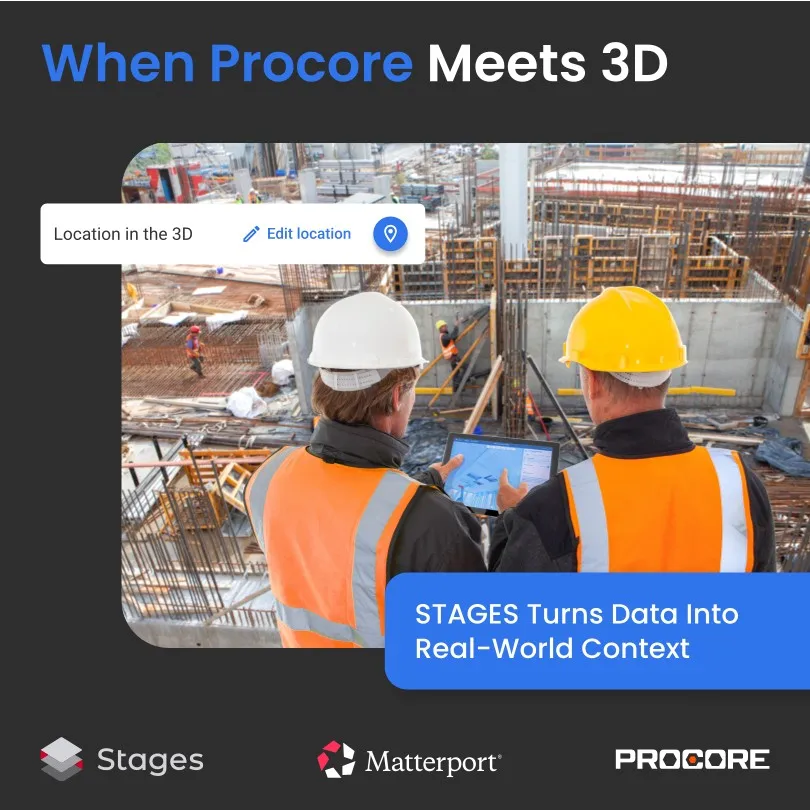
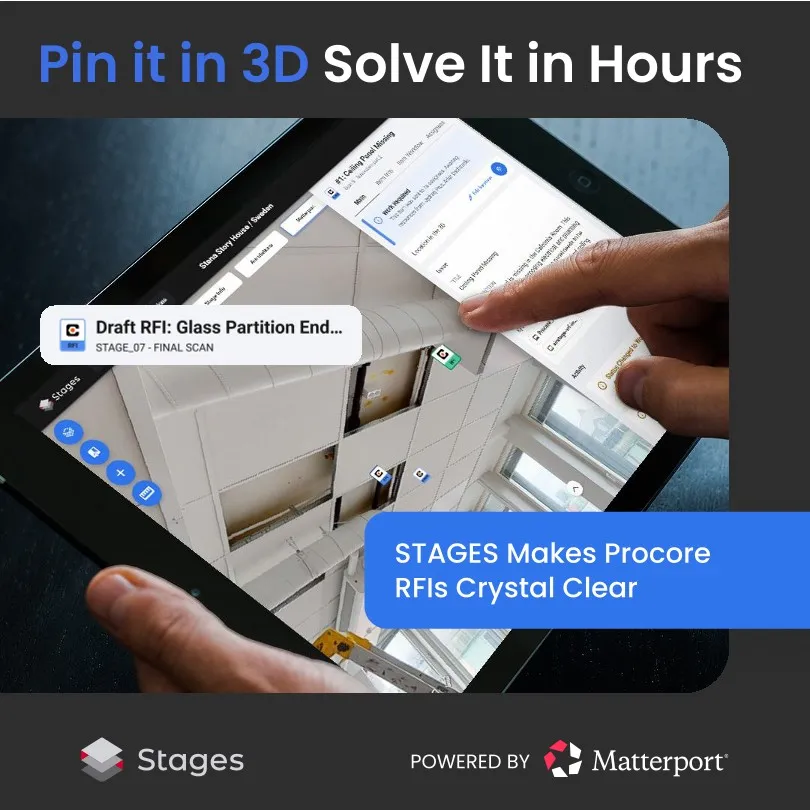
Now picture the same RFI handled inside STAGES by Simlab. The worker pins the question directly onto the 3D model, at the exact spot in the building. The subcontractor opens it and instantly sees the precise location, the actual as-built condition, and what is missing. No guessing, no email chains. The issue gets closed out within hours.
And here is the crucial part:
👉 They never leave Procore.
👉 STAGES simply adds a visual, spatial layer on top of the Procore RFI and keeps everything synced in both directions.
Why this works so well:
👉 Visual-first, intuitive interface instead of heavy, complex menus
👉 Clear, location-based communication
👉 Zero ambiguity about the issue
👉 Faster decisions and fewer mistakes
If you have ever lost days because of an unclear RFI, this will feel like fresh air on site.
Learn more: https://aedificiumdigital.com/simlab/
#Construction #RFI #Procore #Simlab #STAGES #DigitalTwin #MEP